
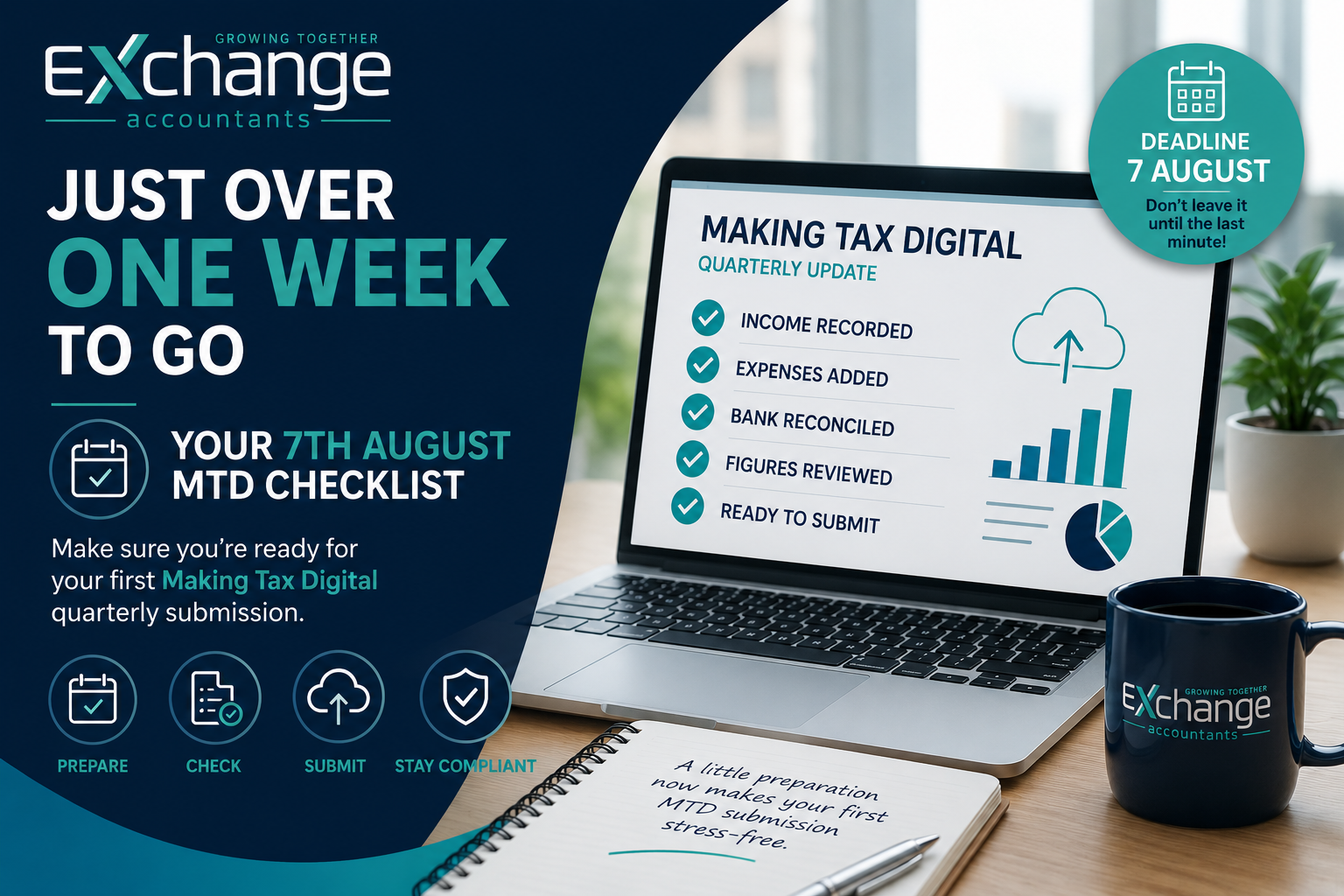
Just Over One Week to Go: Your 7 August Making Tax Digital Checklist
The countdown is on.
With just over one week to go until the first Making Tax Digital (MTD) quarterly submission deadline on 7 August, now is the ideal time to make sure everything is in order.
If you’re a sole trader or landlord affected by MTD, there’s no need to panic. A little preparation now can help make your first submission straightforward and stress-free.
Here’s our simple checklist to help you get ready.
Have you confirmed you’re signed up for Making Tax Digital?
Before you can submit your quarterly update, you must be registered for Making Tax Digital for Income Tax and connected through compatible software.
If you’re unsure whether you’ve completed the sign-up process, now is the time to check. Simply downloading accounting software doesn’t automatically register you with HMRC.
Are your financial records up to date?
Your quarterly update is based on the income and expenses you’ve recorded during the reporting period.
Take a few minutes to check that you’ve entered:
- All business income.
- All allowable expenses.
- Any invoices you’ve issued.
- Bank transactions that may still need categorising.
The more accurate your records are now, the smoother your submission will be.
Have you reconciled your bank account?
One of the most common mistakes we see is businesses submitting figures before reconciling their bank account.
Reconciling simply means checking that the transactions recorded in your software match those shown on your bank statement.
Look out for:
- Missing transactions.
- Duplicate entries.
- Personal spending recorded as business expenses.
- Transactions waiting to be categorised.
It’s a small task that can make a big difference to the accuracy of your records.
Have you checked your software?
Before submission, make sure your accounting software is:
✔ Connected to HMRC.
✔ Up to date.
✔ Correctly recording your income and expenses.
✔ Working as expected.
A quick check now could save valuable time later.
Have you reviewed your figures?
Before you click “Submit”, take a step back and ask yourself one simple question:
Do these figures look right?
If something doesn’t seem quite right, it’s worth investigating before submitting.
Quarterly updates are designed to reflect the records you’ve kept throughout the year, so accuracy matters.
Do you know what you’re actually submitting?
This is one of the biggest areas of confusion.
Your quarterly update is not your annual tax return.
It is simply a digital summary of the income and expenses you’ve recorded during the quarter.
You won’t receive a tax bill when you submit, and you won’t pay your tax on 7 August.
The aim is simply to keep your records up to date and provide HMRC with regular digital updates throughout the year.
Have you spoken to your accountant?
If you’re unsure about anything, don’t leave it until the last minute.
Whether it’s checking your records, confirming your software is set up correctly or answering questions about the submission process, your accountant can help you submit with confidence.
Don’t Leave It Until the Last Minute
It’s easy to put things off, especially when a process is new.
But leaving your first Making Tax Digital submission until the evening before the deadline can create unnecessary stress and increase the risk of mistakes.
A little preparation now can make your first quarterly update much simpler—and help you build good habits for future submissions.
Need a Helping Hand?
At Exchange Accountants, we’re helping businesses across Northern Ireland prepare for Making Tax Digital with confidence.
Whether you need reassurance before pressing “Submit” or you’re unsure where to start, our team is here to help.
📞 028 9263 4135
📧 info@exchangeaccountants.com
🌐 www.exchangeaccountants.com
Let’s Grow Together.